Quishing Defense: 5 Ways to Protect Your Brand from Malicious QR Code Replacements
As QR codes become more ubiquitous, so do the tactics used by cybercriminals to exploit them. Enter "Quishing"—a specialized form of phishing where malicious QR codes are placed over legitimate ones to redirect users to fraudulent websites.
For businesses, this isn't just a technical threat; it's a massive risk to brand trust. If a customer scans a code on your premises and ends up having their credentials stolen, your reputation takes the hit. In 2026, a proactive Quishing defense is as important as having a firewall.
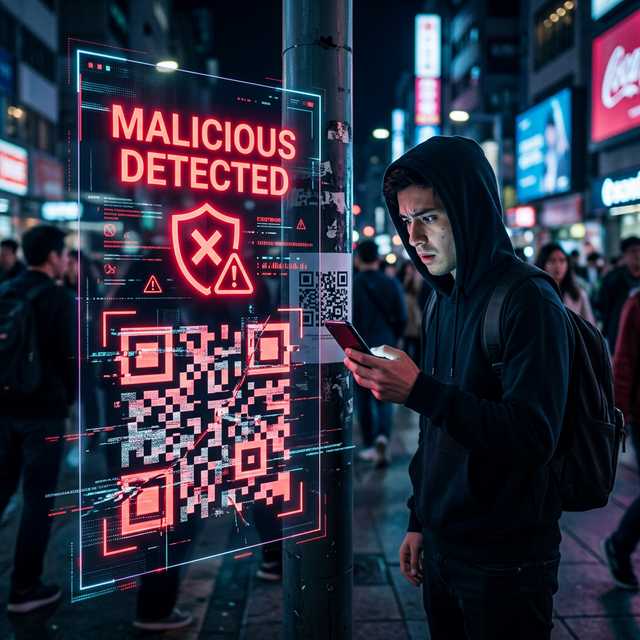
Here are five essential ways to safeguard your brand and protect your customers from QR code tampering.
1. Perform Physical "Code Audits" Regularly
The simplest way to Quish is to stick a malicious sticker over a legitimate QR code. If your business uses QR codes on tables, flyers, or outdoor signage, your staff should perform daily physical checks. A quick "peel test" can reveal if a malicious layer has been added. If the code feels thicker than usual or the edges don't align, it's a red flag.
2. Use Branded, High-Quality Signage
Generic black-and-white QR codes printed on plain paper are the easiest to forge. Use SnappyQR's branding tools to create codes that match your brand's specific color palette and include your company logo in the center. High-quality, professionally printed signage is much harder to mimic convincingly than a quick home-printed sticker.
3. Educate Your Customers on "Scan Safety"
Knowledge is your best defense. Include a small "Scan Safely" tip near your QR codes. Remind users to
always check the URL in their scanner's preview before clicking through. If your website is
mybrand.com but the preview shows bit.ly/random-code, they should report it
immediately.
4. Implement Restricted-Access Dynamic Links
If you are using dynamic QR codes, ensure your backend provides basic security analytics. Sudden spikes in traffic from unusual geographic locations or high volumes of suspicious "handshake errors" can indicate that your code has been compromised or mirrored on a phishing site.
5. Leverage Secure QR Web Apps
Encourage the use of "Privacy-First" scanning tools like SnappyQR's Web Scanner. Unlike some third-party apps that may track user data or lack robust URL previews, our browser-based scanner allows users to see the destination clearly without the need to install potentially invasive software.
Why Security Matters for AdSense and SEO
Google values websites that prioritize user safety. By publishing "Quishing" defense guides and providing secure tools, you're not just protecting your users—you're signaling to search engines and ad networks that your site is an authoritative and safe entity.
Take control of your QR security today. Use SnappyQR to generate branded, professional codes that build trust, not risk.