QR Code Design Mastery: How to Create Beautiful, Branded, and Scannable Codes
For years, QR codes were viewed as "functional but ugly"—blocky black-and-white squares that disrupted professional designs. But in 2026, the QR code has undergone an aesthetic revolution. With the right tools, a QR code can be a beautiful extension of your brand identity.
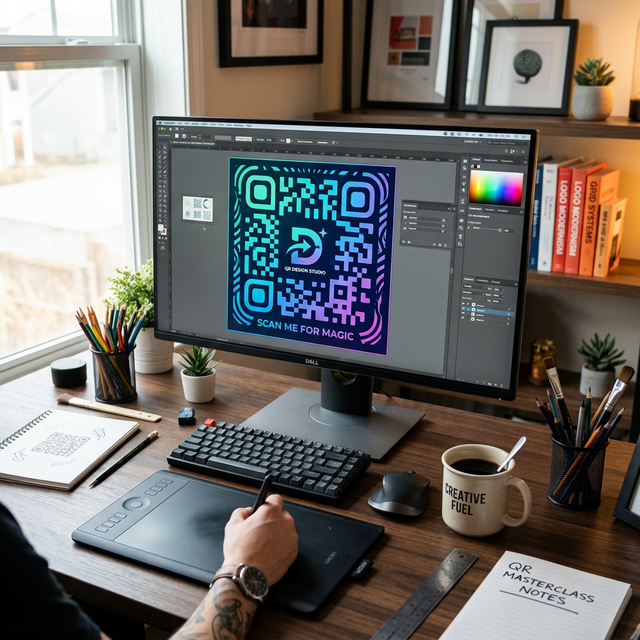
In this guide, we’ll explore how to balance **Aesthetics** and **Functionality** to create QR codes that users *want* to scan.
1. The Power of Color Theory
Gone are the days of monochrome. Using your brand's primary colors can increase scan rates by making the code feel like an intentional part of your marketing collateral. Pro Tip: Always maintain a high contrast ratio. A dark code on a light background is the "gold standard" for scanner reliability. Avoid yellow on white or light blue on grey.
2. Strategic Logo Integration
Adding a logo to the center of your QR code is the fastest way to build trust. It tells the user exactly where the link leads before they even scan it. The "Safety Margin" Rule: QR codes have built-in error correction (up to 30%). This allows you to place a logo in the center without breaking the code, provided you don't cover the corner 'finder' squares.
3. Custom Patterns and Rounded Corners
Why settle for square pixels? Modern generators like SnappyQR allow you to soften the edges. Semi-rounded pixels or "dot" patterns can make a code feel softer and more modern, fitting perfectly with high-end premium brand aesthetics.
4. Error Correction Levels
If you plan on adding heavy design elements (like custom shapes or large logos), set your error correction to **Level H (High)**. This ensures that even if a significant portion of the code is obscured by your design, it will still scan instantly on every smartphone.
5. Test, Then Test Again
A beautiful QR code that doesn't scan is a marketing failure. Before you go to print:
- Scan the code in different lighting conditions.
- Test it on both high-end and older budget smartphones.
- Ensure the "Quiet Zone" (the white border around the code) is preserved.
Ready to Create?
Elevate your brand with a code that stands out. Use the SnappyQR Design Studio to start building your custom masterpiece today.